How a patch run works
Scan, choose what changes and when, then follow each host.
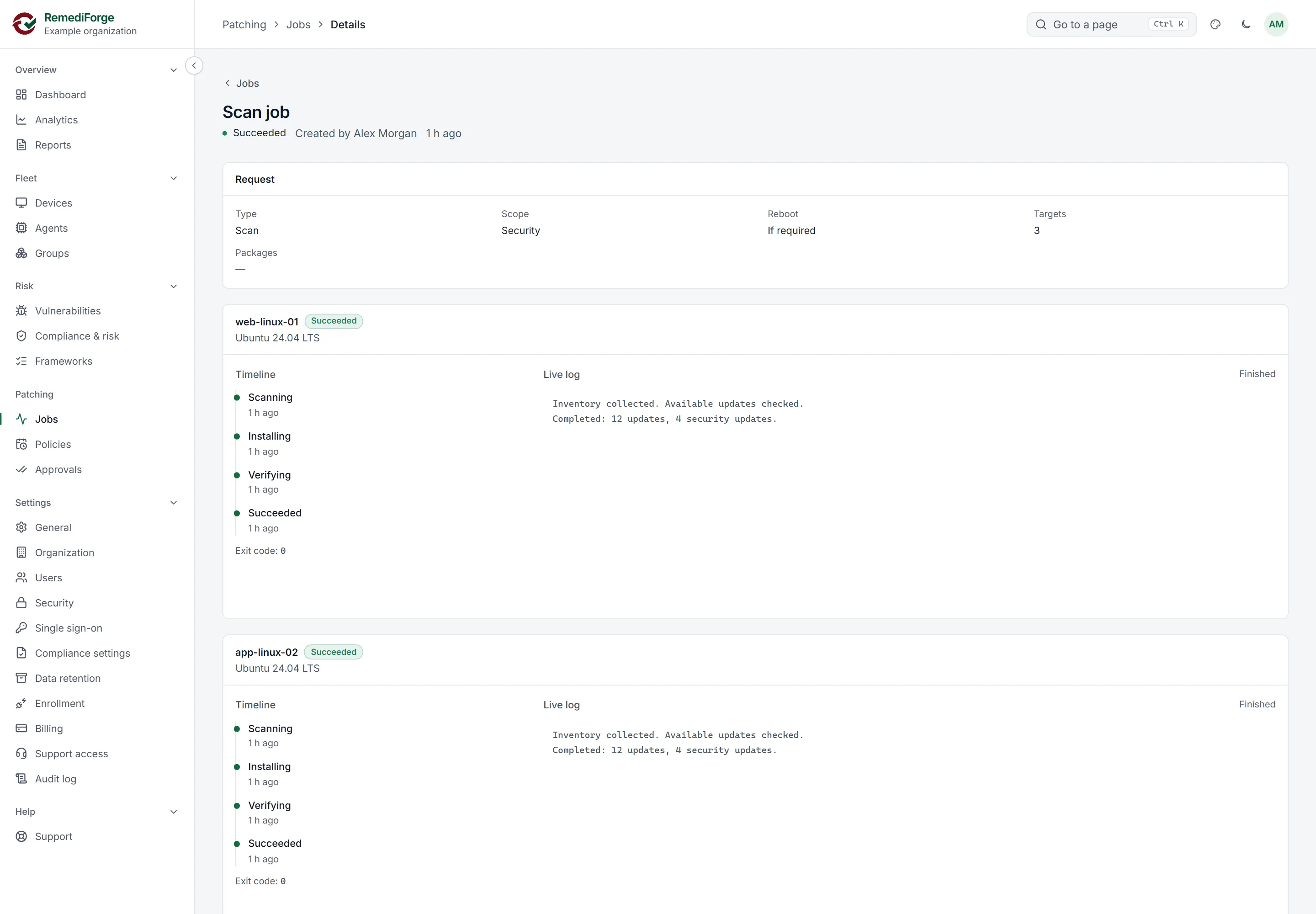
Detect, prioritize, remediate, verify
Pick a step or scroll through them.
Findings tied to the host
A scan connects installed software, available updates and published vulnerabilities to each host.
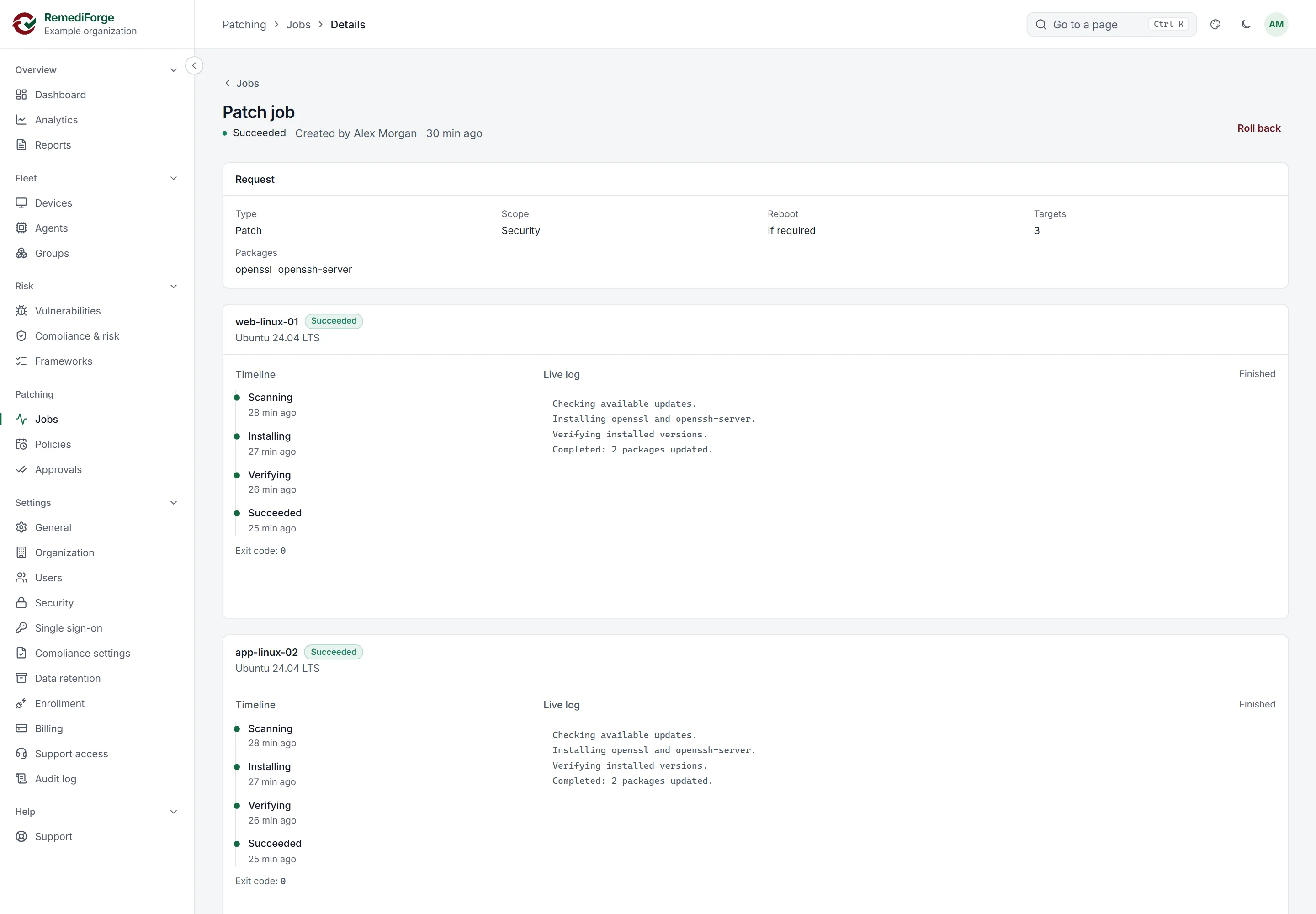
What a finished patch job shows
The timeline for each host and the agent's live output, as they appear in the portal.
The record your team can point to
Inspect the installed versions and agent output. Review the job status, remediation history and audit record when your team needs to explain the change.
Reports and evidenceAudit trailDecision, actor and time
Installed versionsHost, package and result
Patch runOutput, status and checks
Kept with each run CSV, JSON or PDF exports
See your own fleet before you schedule anything
Enroll a few hosts and look at what needs attention first.